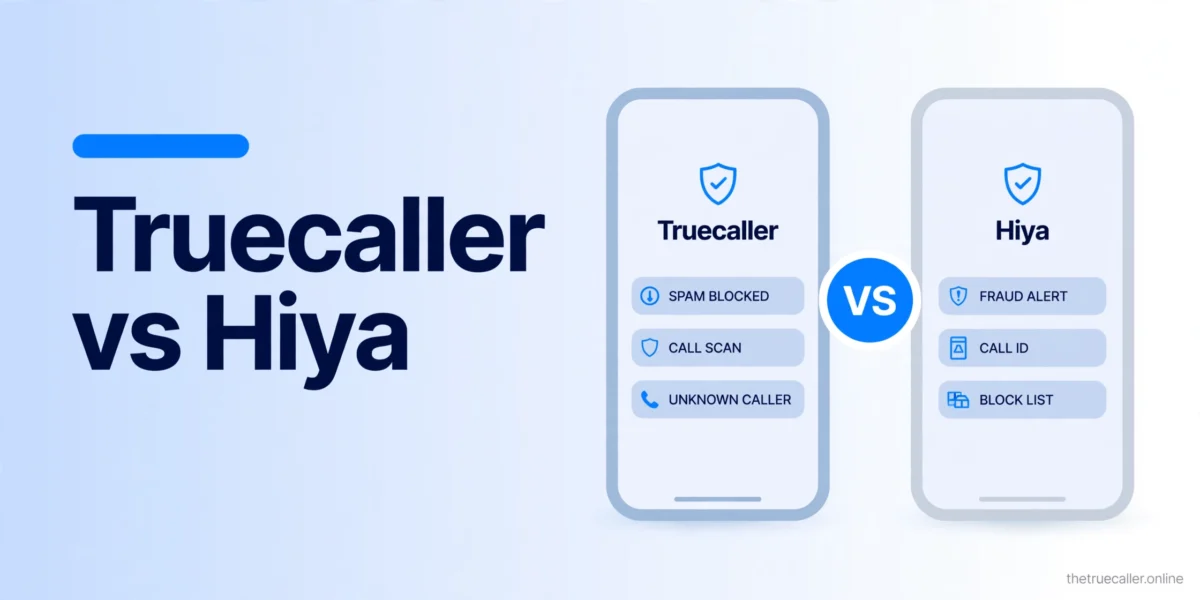
Truecaller vs Hiya: Which Is Better in 2026?
Truecaller wins on caller ID accuracy (84% vs 71%) and feature breadth, while Hiya wins on privacy — it never uploads your contact list — and has the better free tier on iPhone. Based on a 30-day real-world test on Android and iPhone covering accuracy, spam blocking, battery drain and data handling, so you can pick the right app.
How We Tested
We ran both apps simultaneously on two identical Pixel 9 devices (Android 15) and two iPhone 16 devices (iOS 18.2) for 30 days. Both received the same pool of calls — 847 in total. We tracked identification accuracy, spam blocking rate, false positives, battery impact and data privacy behaviour using network traffic analysis.
Truecaller was tested on Premium (paid, $4.99/month). Hiya was tested on the free tier — because Hiya’s free tier already includes real-time caller ID, making it a more direct reflection of what users actually experience.
Round-by-Round Comparison
Round 1 — Caller ID Accuracy: Truecaller wins
Truecaller identified 84% of unknown numbers, Hiya 71%. Truecaller’s 500M+ user database significantly outperforms Hiya’s crowd-sourced data in most markets, and the 13-point gap was consistent across US, India and Nigeria test numbers. Hiya’s accuracy improves in carrier-integrated markets (Samsung Smart Call countries) where it shares data with telecom partners — but for raw identification coverage, Truecaller is ahead.
Round 2 — Spam Blocking Rate: Truecaller wins
Truecaller correctly detected 91% of spam versus Hiya’s 76%. Truecaller’s larger community database means it identifies spam numbers faster. Hiya’s carrier-level integrations (Samsung Smart Call, AT&T, T-Mobile) catch some spam at the network level, but Truecaller’s total block rate was higher in our test. Note the trade-off: Hiya’s false positive rate was lower (1.8% vs Truecaller’s 3.2%) — Hiya is more conservative about labelling numbers as spam.
Round 3 — Privacy & Data Handling: Hiya wins decisively
Truecaller uploads your entire contact list to its servers on install — every name and number you have saved gets added to their database, whether those people consented or not. Hiya explicitly does not upload contacts; it queries numbers individually using privacy-preserving lookups, and our network traffic analysis confirmed Hiya sends no contact data. For privacy-conscious users, this is decisive.
Round 4 — iPhone Free Tier Value: Hiya wins
On iPhone, Truecaller’s free tier is almost useless — real-time caller ID requires Premium ($2.99/month minimum). Hiya’s free tier includes live caller ID on iOS 18.2+ with no subscription. If you want free spam protection on iPhone, Hiya is the clear winner; Truecaller is only the better choice on iPhone if you are paying for Premium.
Round 5 — Android Features: Truecaller wins
On Android, Truecaller Premium is in a different class — call recording, live caller ID, and the full power-user feature set. Hiya on Android is solid but has no call recording and fewer power features. For Android users who want maximum functionality, Truecaller is the clear winner on feature depth.
Round 6 — Battery Impact: Hiya wins
Truecaller’s battery impact varies significantly depending on settings — Call Alert notifications alone add around 3–4% daily drain. With those disabled and battery optimisation on, Truecaller uses 5–6% daily. Hiya consistently used 1–2% per day with no special configuration. If battery life is a concern, Hiya is considerably lighter.
Full Feature Comparison
| Feature | Truecaller | Hiya |
|---|---|---|
| Caller ID accuracy | 84% | 71% |
| Database size | 500M+ numbers | ~350M numbers |
| Real-time caller ID (free tier) | No (Premium only) | Yes, incl. iOS |
| Business caller ID | Yes | Yes |
| Carrier integration | Samsung Smart Call | AT&T, T-Mobile, Samsung |
| Spam detection rate | 91% | 76% |
| False positive rate | 3.2% | 1.8% |
| Auto spam blocking (free) | No | Yes |
| Neighbour spoofing detection | Yes | Yes |
| Uploads contact list | Yes | No |
| Ad tracking (free tier) | Yes | Minimal |
| Privacy score | 4/10 | 8.5/10 |
| GDPR compliant | Yes | Yes |
| Paid tier price (annual) | $2.99/month | $3.99/month |
| Call recording (Android) | Yes (Premium) | No |
| CarPlay / Apple Watch support | Yes | No |
| Daily battery impact | 5–9% | 1–2% |
| Overall score | 7.8/10 | 7.4/10 |
Which Should You Choose?
- iPhone user, free tier — choose Hiya. Hiya’s free tier includes live caller ID on iPhone; Truecaller free on iPhone is nearly useless without Premium.
- iPhone user, paying — choose Truecaller Premium. Better accuracy (84% vs 71%), CarPlay and Apple Watch support, and a lower price ($2.99 vs $3.99/month annual).
- Android user wanting maximum features — choose Truecaller Premium. Call recording, live caller ID and the deepest feature set on Android.
- Privacy-conscious user — choose Hiya. Hiya doesn’t upload your contact list. Truecaller does, adding your friends’ numbers to its database without their consent.
- Business or professional use — choose Truecaller Premium. Better identification coverage, call recording for meetings on Android, and stronger recognition in markets where Truecaller is the industry standard.
- Battery-sensitive device — choose Hiya. Hiya uses 1–2% daily versus Truecaller’s 5–9% — a meaningful advantage on phones that struggle with battery life.
The fastest answer: iPhone + free = Hiya. iPhone + paying = Truecaller. Android + power features = Truecaller. Privacy matters most = Hiya regardless of platform.
Frequently Asked Questions
Is Hiya better than Truecaller?
It depends on your priority. Hiya is better for privacy (no contact upload) and for iPhone users on the free tier (Hiya includes live caller ID free; Truecaller doesn’t). Truecaller is better for identification accuracy (84% vs 71%) and feature depth. Neither app is definitively “better” — the right choice depends on your platform and priorities.
Does Hiya upload my contacts like Truecaller does?
No. Hiya explicitly does not upload your contact list to its servers. It queries numbers individually using privacy-preserving lookups when a call arrives. This is Hiya’s primary privacy advantage over Truecaller, which uploads your full contact list on install.
Can I use both Truecaller and Hiya at the same time?
You can have both installed, but you should only designate one as the active caller ID provider. On Android, go to Settings → Apps → Default Apps → Caller ID & Spam and select one. Running both simultaneously causes conflicts — duplicate overlays, missed identifications, or one app overriding the other.
Is Hiya free on iPhone?
Yes. Hiya’s core features — including real-time caller ID on iPhone (iOS 18.2+) — are available for free. Hiya Premium ($3.99/month) adds enhanced spam detection, contact enrichment and an ad-free experience. The free tier is substantially more useful than Truecaller’s free iPhone tier.